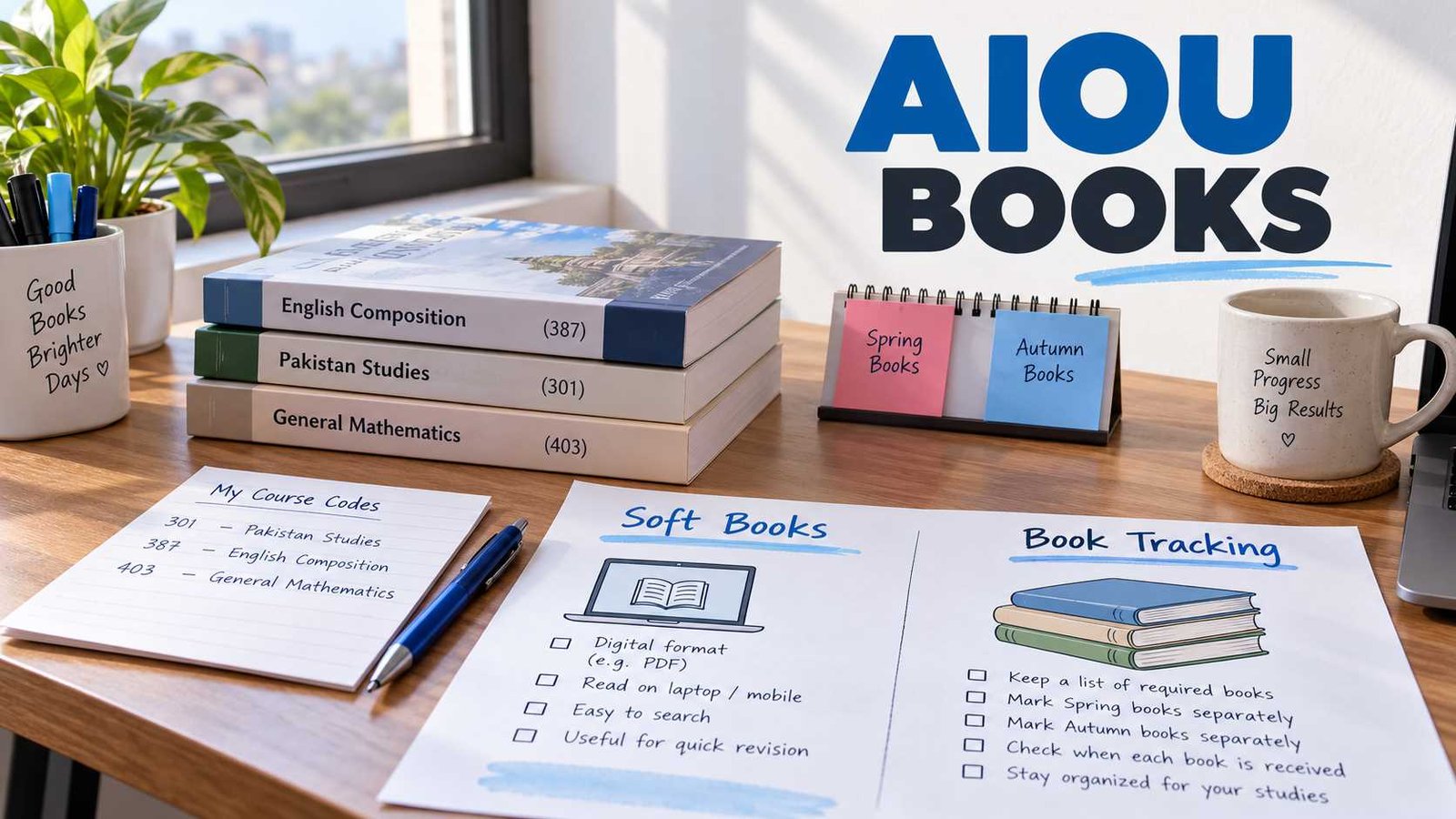
 AIOU books can mean two very different things. Some students want to download a digital course book, while others are waiting for printed study material and want to check its dispatch or report a delivery problem.
Use the option that matches your situation instead of following a general books guide.
What Do You Need?
| Need | Go to |
|---|---|
| Download a digital course book | AIOU Soft Books |
| Find a book by course code | Books Download / Course Search |
| Track printed books | AIOU Books Tracking |
| Check whether books were dispatched | Books Tracking |
| Printed books have not arrived | Books Not Received |
| One book is missing or incorrect | Missing / Wrong Book |
| Problem remains unresolved | Book Complaint |
AIOU provides Books/E-Books and Book Tracking as separate student services on its official website. This distinction matters because the correct route depends on your programme and the type of study material provided to you.
Download AIOU Soft Books
If you need a book for reading on your phone, laptop or computer, start with the official AIOU soft-books service.
AIOU maintains an official Books/E-Books section for digital study material.
Official AIOU Books:
https://www.aiou.edu.pk/books
The safest way to find the correct book is to use your course code and programme, rather than relying only on a book title.
Before downloading, confirm:
- your registered programme
- the correct course code
- the book or study material required for that course
- whether the material belongs to your current course structure
Do not assume that a PDF found on an old blog or file-sharing website is still the correct AIOU course book.
Choose Your Book Task
Download Book
↓
AIOU Soft Books
Track Printed Books
↓
AIOU Books Tracking
Delivery Problem
↓
Books Not Received
↓
Book Complaint
Find an AIOU Book by Course Code
AIOU course codes are especially useful when different programmes contain books with similar names.
For example, if your admission record shows a particular course code, search for study material using that code rather than choosing a PDF simply because its title looks relevant.
This helps avoid three common problems:
- downloading a book for another programme
- using an older version of the course material
- confusing a helping book with official AIOU study material
Where a verified course-specific page is available on AIOUTutor, it can provide additional guidance. The actual official book should still be matched against AIOU’s own book resources.
Track Printed AIOU Books
Downloading a soft book and tracking printed books are separate tasks.
If your programme includes mailed study material and you are waiting for the physical books, use the book-tracking route rather than the soft-books search.
AIOU lists Book Tracking among its official Student Services.
For eligible mailing records, tracking information may include details such as the semester, packet information, dispatch date, packet status and course codes. An official AIOU book-tracking example shows these fields within the mailing system.
For the step-by-step process, use our dedicated guide:
That page should be used when your main question is:
Where are my printed AIOU books?
Books Have Not Arrived
If you expected printed AIOU course books but have not received them, do not submit a complaint immediately.
Use this order first:
- Confirm your programme and semester.
Make sure you are checking the correct admission record. - Check whether printed material applies to your programme.
Some AIOU programmes rely on soft study material rather than mailed books. - Check book tracking or dispatch information where available.
This can help you determine whether the parcel has been prepared or dispatched. - Check whether all books are missing or only one course book is affected.
These are different problems and may require different information when reporting the issue. - Use the official complaint route if the matter remains unresolved.
For detailed troubleshooting, see:
AIOU Books Not Received / Complaint Guide
Avoid relying on fixed delivery-time claims found on old websites. Dispatch timing can vary by programme, semester and mailing circumstances.
One AIOU Book Is Missing or Incorrect
Sometimes a student receives most of the study material but finds that:
- one course book is missing
- an incorrect book was included
- the course code on the received material does not match the registered course
In that situation, first compare the course codes in your admission or enrollment record with the books you received.
This is different from a case where the entire parcel has not arrived.
A dedicated missing/wrong-book guide should therefore focus on course-code comparison and the correct escalation route rather than repeating the full general tracking process.
How to Make an AIOU Book Complaint
A complaint should normally be the next step after you have checked the basic programme, course and tracking information.
AIOU currently operates an official online Help Desk where students can submit a support request and view an existing ticket.
Official AIOU Help Desk:
https://support.aiou.edu.pk/
The complaint form asks for student information including programme, Student ID or roll number, course code where relevant, semester, mobile number, subject and message.
Before submitting a complaint, keep the relevant information ready so the issue can be described clearly.
Do not send CNIC numbers, Student IDs or other private information to unofficial websites or public comment sections.
Spring and Autumn AIOU Books
AIOU operates Spring and Autumn semesters, but students should not choose books only by seeing a semester name on a third-party page.
The more reliable match is:
Programme + Course Code + Applicable Course Material
Course structures can change, and a PDF that was relevant to an older student may not automatically be the correct material for your present registration.
If you are unsure, compare the course code shown in your current AIOU enrollment record with the official book listing before downloading.
Official AIOU Book Resources
These official resources cover the main book-related tasks.
AIOU Books and E-Books
Use this when you want official digital study material. AIOU’s current website identifies this section as Books / E-Books.
AIOU Book Tracking
Start from the official AIOU website:
Under Student Services, AIOU provides a Book Tracking option.
AIOU Help Desk
Use this when a books-related issue remains unresolved and you need to submit a formal support ticket.
Related AIOU Resources
Books are only one part of your semester. These guides may also help:
AIOU Aaghi LMS
Use it for LMS access, workshops and online academic activities where applicable.
AIOU Assignments
Find assignment-related guidance after confirming your course codes.
AIOU Contact Information
Use this when you need broader student-support information.
The simplest rule is to start with the exact problem: download a book, track printed books, or report a delivery issue. That keeps you on the correct AIOU service instead of moving between unrelated portals.