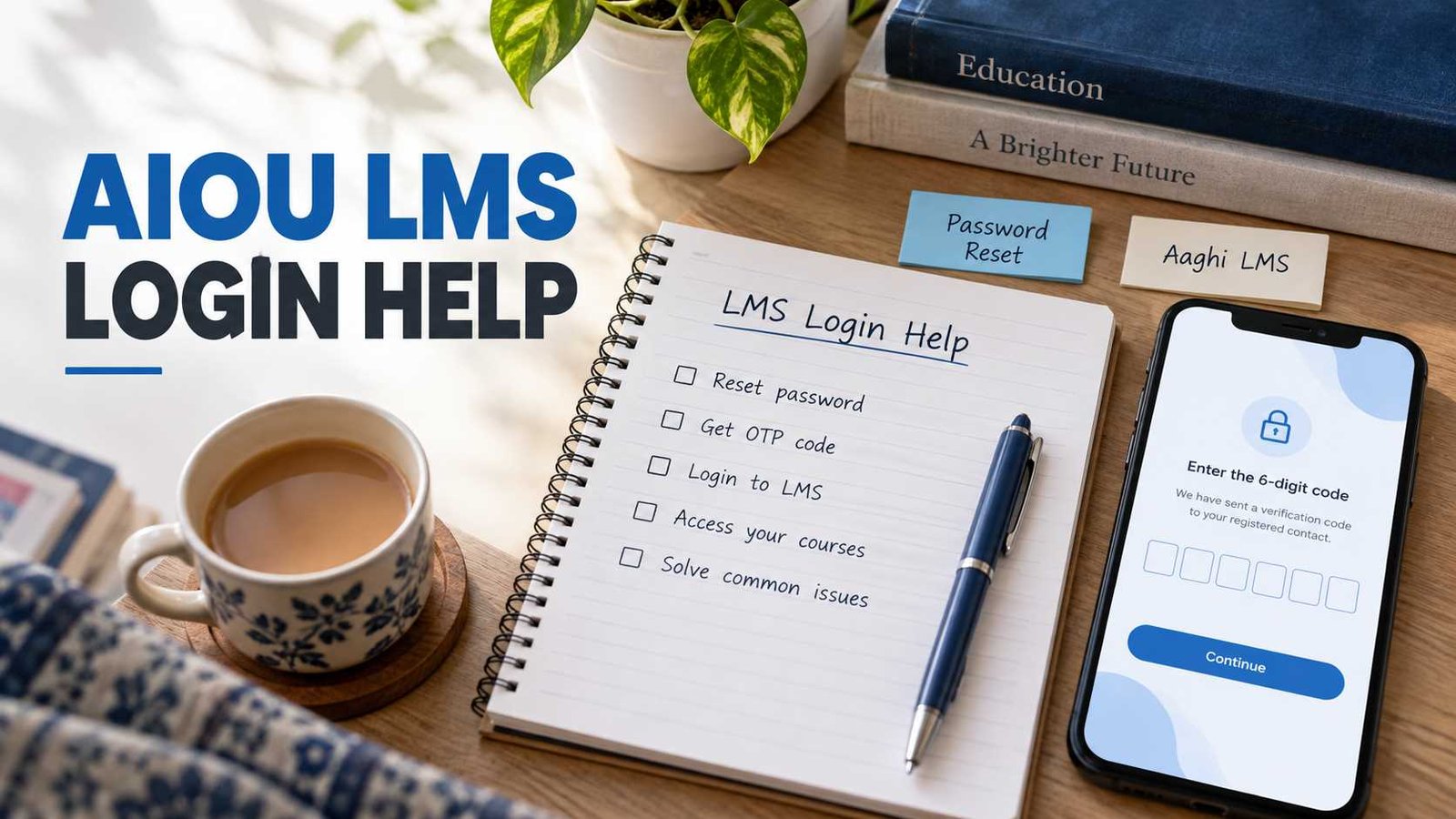
The current AIOU password-recovery system asks for your LMS Username / Student ID, verifies the account, and then sends a 6-digit OTP to an available registered mobile number or email address. After verification, you can set a new password.
Use the official AIOU LMS password reset page.
If you never received an LMS account, do not know your LMS username, cannot receive the OTP, or can log in but cannot see your courses, those are different problems. The solutions are explained below.
How to Reset Your AIOU LMS Password
AIOU provides a self-service password recovery system for Aaghi LMS students.
Follow these steps:
- Open the Aaghi LMS portal.
- Select Forgot LMS Password.
- Enter the LMS Username / Student ID requested on the reset page.
- Select Verify Account.
- If an eligible registered contact is available, choose SMS or email verification.
- A 6-digit OTP will be sent to that registered contact.
- Enter the OTP on the verification screen.
- Continue to the password-reset step and create your new password.
The current reset interface describes the identifier as your registered LMS username or roll number. It also provides a resend option if the verification code does not arrive immediately.
Do not share your password or OTP with AIOUTutor, another website, social-media account, or another person. AIOU also advises students to keep their LMS credentials secure.
Which Username or Student ID Should You Enter?
This is where many students get confused.
The current official recovery page labels the field LMS Username / Student ID and asks for the registered LMS username or roll number.
Avoid assuming that every AIOU student has exactly the same username format. Older guides may show different examples because LMS procedures and portals have changed over time.
If you already know the username you normally use for Aaghi LMS, enter that first.
If you have completely forgotten your username as well as your password and cannot identify the account through the recovery page, move to the Regional Campus or AIOU support route rather than repeatedly entering random registration numbers.
OTP Not Received on Mobile or Email
After your LMS account is identified, the reset system may offer SMS or email verification depending on the registered contact information available for that account. The verification screen uses a 6-digit OTP and includes a resend option.
If the OTP does not arrive:
- check that you have selected an available registered contact method;
- wait for the resend option to become available and try once more;
- check the spam or junk folder if the code is being sent by email;
- make sure your registered mobile SIM is active and receiving messages.
If the system shows no usable email or mobile option, or your old registered contact is no longer accessible, a password reset alone may not solve the problem.
In that case, contact the relevant AIOU Regional Campus or official Helpdesk.
Never Received Your Aaghi LMS Username or Password
A student who never received LMS credentials has a different problem from a student who simply forgot a password.
AIOU’s current FAQ says LMS credentials are generally sent before the commencement of the study period. If credentials have not been received, the student is advised to contact the concerned Regional Campus.
You can also see our Aaghi LMS guides for related portal help.
Do not keep using the password-reset form if you are unsure whether an LMS account has been issued to you. First confirm the account and credentials through the appropriate AIOU support channel.
LMS Password Is Correct but Login Still Does Not Work
Not every AIOU LMS login problem is caused by a wrong password.
First, open the main Aaghi page instead of relying on an old saved login URL. AIOU currently separates LMS access by semester and programme type and also provides links to previous LMS portals.
Use the main Aaghi LMS page and select the portal that matches your programme and semester.
If your credentials appear correct but login still fails, try these basic checks:
- enter the username manually instead of using an old browser autofill;
- make sure there is no extra space before or after the username or password;
- try a private/incognito browser window;
- clear the saved Aaghi login details if the browser keeps inserting an old password;
- try another browser or device;
- return through the main Aaghi page if you previously bookmarked an old semester portal.
Do not rely on claims that every LMS account automatically unlocks after a fixed number of minutes. A current official AIOU source confirming a universal lockout duration was not found.
LMS Opens but Your Courses or Semester Are Missing
If you can successfully log in but your courses are not visible, changing the password again is unlikely to help.
AIOU states that courses are updated on Aaghi LMS after confirmation of admission.
Check that:
- you are using the correct semester portal;
- your admission for that semester has been confirmed;
- you have selected the appropriate ODL, face-to-face, or other LMS route.
If your admission is confirmed but the required courses are still missing, contact the relevant Regional Campus and provide the necessary student and course details. Never send your LMS password or OTP with the complaint.
AIOU LMS Problem Before a Workshop
If your workshop is approaching, do not depend only on an SMS notification.
AIOU advises students to check their LMS account regularly because workshop schedules are uploaded there. The university also publishes workshop information through its website.
You can also use our AIOU workshop schedule guide and, if attendance is the actual issue, see the AIOU workshop attendance problem page.
The main Aaghi portal currently reminds students and resource persons to join online workshops through the workshop link inside Aaghi LMS and to use the link for the correct workshop day.
If login is still blocked close to your workshop time, keep a screenshot of the error message for your own support record. Make sure the screenshot does not expose your password or OTP.
Where to Contact AIOU for LMS Help
For an LMS account that cannot be recovered through the official reset page, use AIOU’s official support channels.
AIOU currently lists:
Helpline: 051-111-112-468
General support email: support@aiou.edu.pk
Regional Services email: tr_drs@aiou.edu.pk
AIOU Helpdesk: available through the official university website.
AIOU also maintains Regional Campuses that provide tutorial and academic support related to Aaghi LMS.
For a credential issue, tell support what is actually happening: password forgotten, OTP unavailable, credentials never received, username unknown, or courses missing. That makes it easier to route the problem correctly.
Never include your password or OTP in an email, comment, screenshot, or support message.