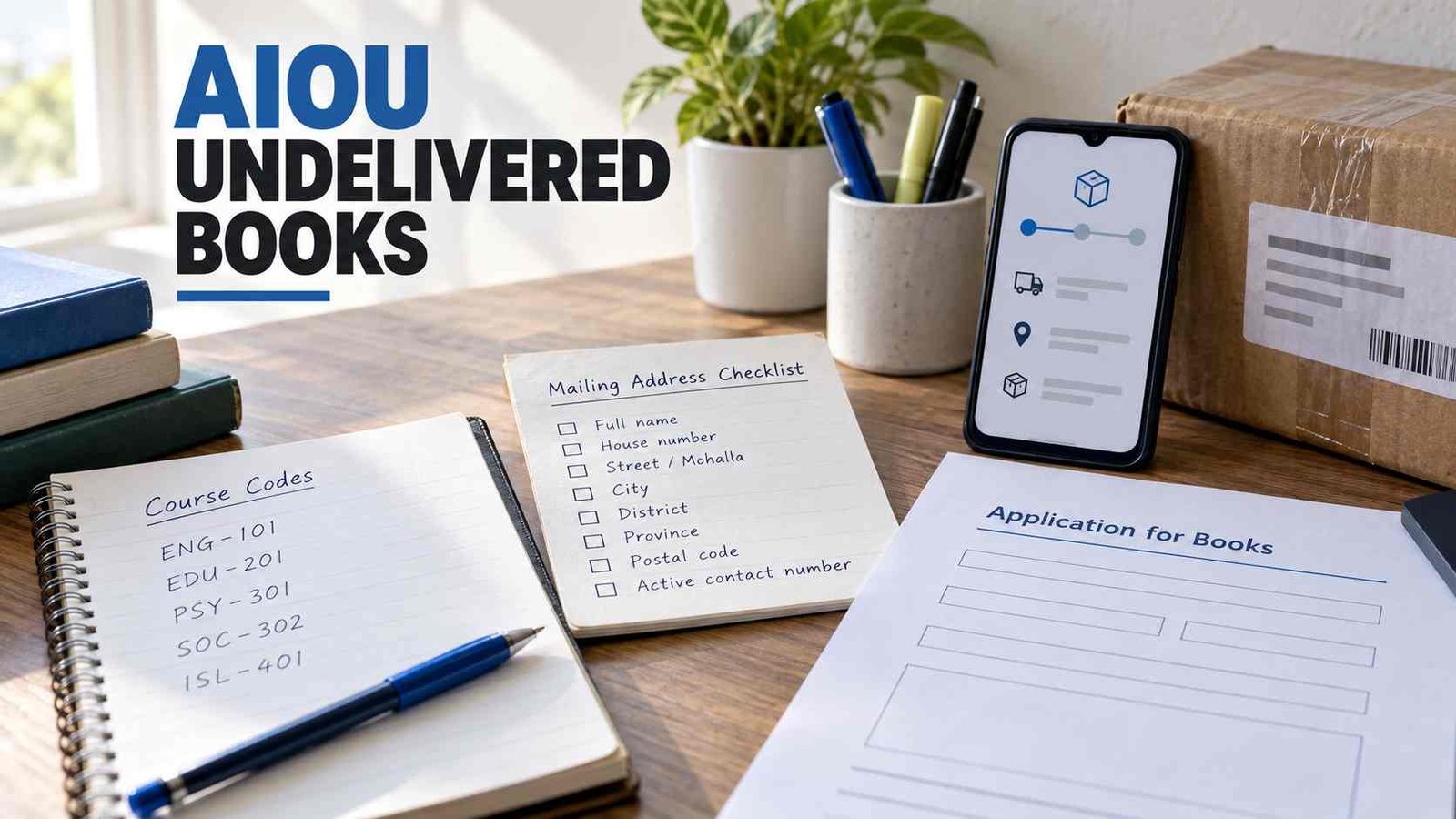
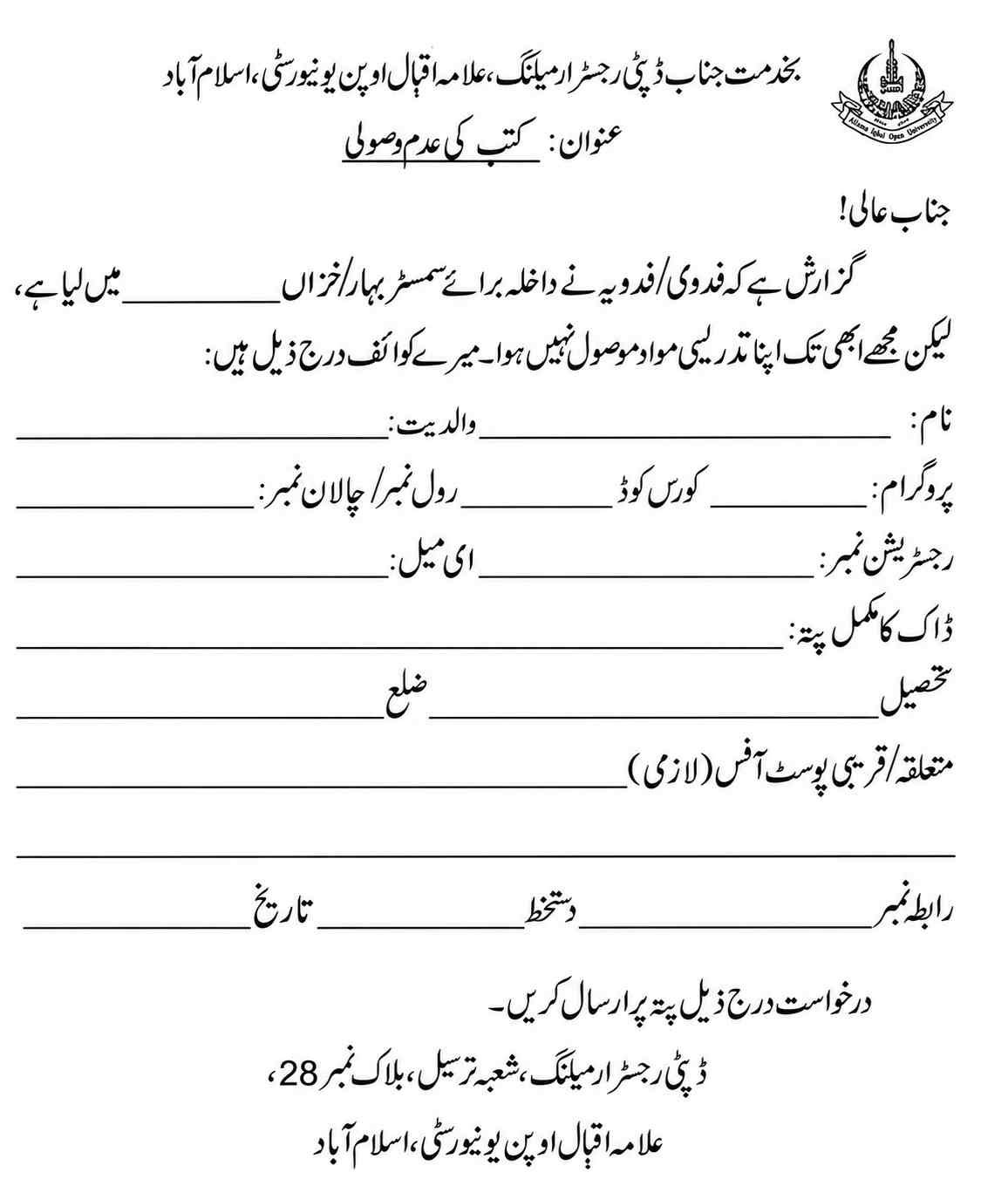
Download the official AIOU Undelivered Books form (PDF)
This is AIOU’s one-page Urdu application. AIOUTutor provides independent guidance on completing it; the application goes to AIOU’s Mailing Section.
Check whether this is your book problem
Sign in to AIOU Enrollment CMS and open Mailing Books Tracking. Select your programme and the Spring or Autumn semester in which you enrolled. Open the packet details rather than relying on a brief status label. AIOU’s illustrated book-tracking guide shows the CMS steps and how to use dispatch information with Pakistan Post. Our AIOU Books Tracking guide explains the same route in English. www.aiou.edu.pk
Check the postal record if tracking information is available. Note the dispatch date and any delivery attempt or return entry. Dispatched means sent; it does not mean delivered. If tracking shows only that the packet is in transit, follow that record before describing it as returned.
If CMS shows no dispatch record, first confirm that you selected the correct semester and programme. Also check whether AIOU supplies printed books for your programme. The AIOU Books hub separates printed-book problems from digital-book access. A case with no dispatch record belongs in the broader Books Not Received troubleshooting route, rather than being described as a returned packet.
If a packet arrived but contains the wrong book, compare its course code with your enrolled courses. AIOU provides a separate Wrong Dispatch of Books form for that issue. A missing book inside a delivered packet also needs a description of what arrived and what is absent; it is different from an entire packet that never arrived. aiou.edu.pk
What to gather before filling in the form
Keep your enrollment record beside the PDF so that you copy the correct programme, semester, admission year and course code. Have your roll number or admission challan number and registration number ready. From your mailing details, check your full postal address, tehsil, district and relevant post office. The form also asks for your name, father’s name, email address and contact number. aiou.edu.pk
Compare the address you plan to write with the address held by AIOU. If an old or incomplete address may have caused the delivery problem, give a complete address where you can now receive post and explain the discrepancy when contacting AIOU. Keep your CMS and postal tracking details for that conversation.
How to complete and send the application
- Download and print the official Urdu form. Its opening statement asks you to enter the semester and year of admission and says that the study material has not been received.
- Fill in each identification and address line clearly. Copy your course code and student numbers from your own AIOU record. Include the relevant post office where the form asks for it.
- Sign and date the form. Review your contact number and delivery address before sending it.
- Send it by post to the recipient printed on the form:Deputy Registrar Mailing
Mailing Section, Block No. 28
Allama Iqbal Open University
Islamabad
The form does not name a mandatory attachment, an application fee or a guaranteed response time. It instructs the student to send the application by post; it does not provide an online submission method for this PDF. Keep a copy of your completed form and your posting receipt for follow-up. aiou.edu.pk
If the packet remains unresolved after you have checked CMS and postal tracking, contact the official AIOU Help Desk with your semester, course codes and dispatch details. Explain whether the postal record shows a return, an attempted delivery or no further movement. Do not put your student number or home address in a public comment. aiou.edu.pk

Zeshan Akram, an expert in AIOU and Pakistani education, with 8 years of teaching experience. Founder of aioututor.pk, providing insightful articles on education.