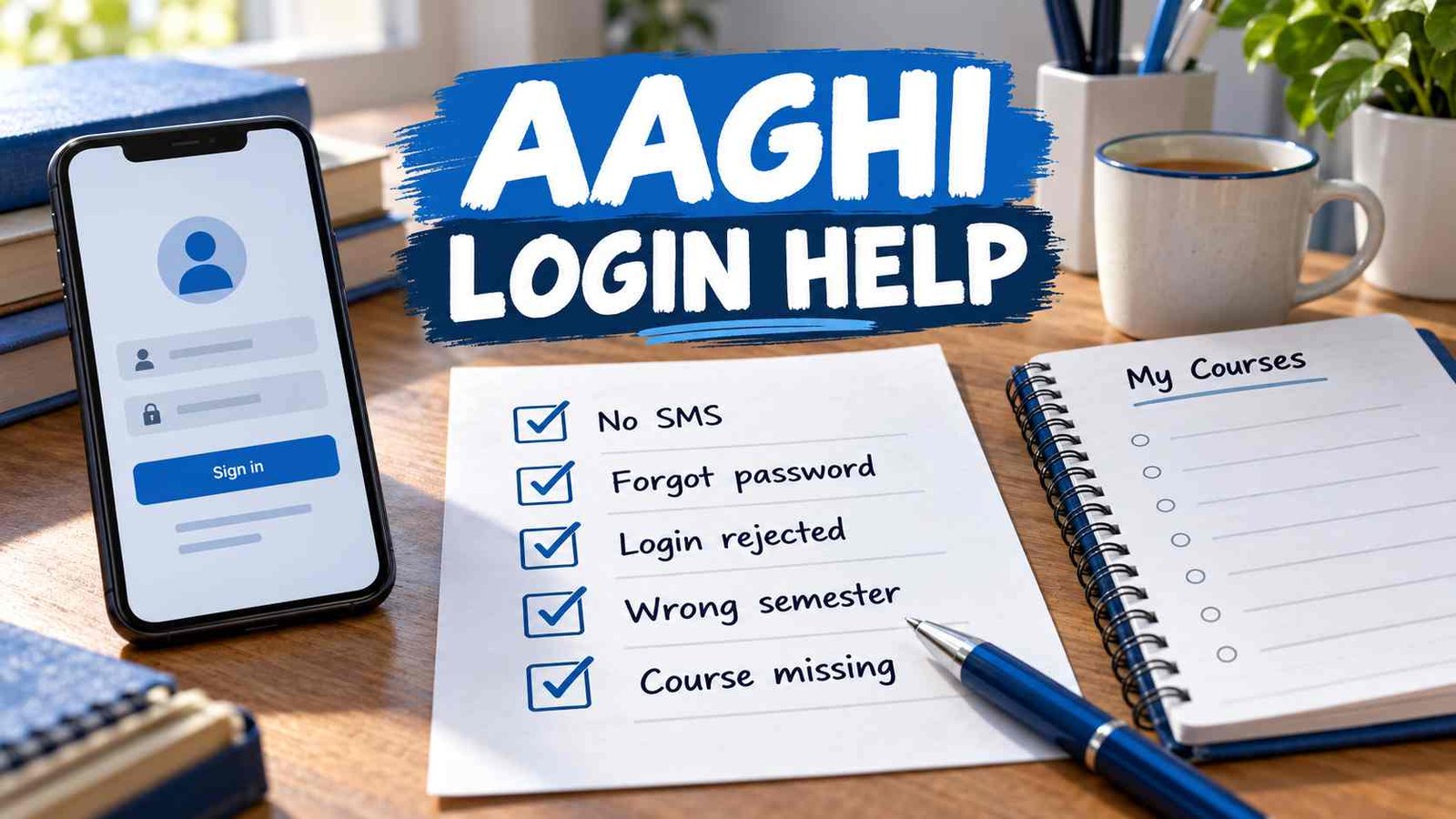
| What you see | What to do first |
|---|---|
| No username or password SMS arrived | Confirm your admission details, then contact your concerned AIOU regional campus using the official regional LMS email list. |
| You knew your password but forgot it | Use Forgot LMS Password from the Aaghi homepage. |
| Your login details are rejected | Check that you selected the correct portal and entered the credentials supplied by AIOU. If they still fail, use the official recovery or support route below. |
| You reached a different semester or programme portal | Return to the Aaghi homepage and choose the option matching your current semester and study mode. |
| Login works, but a course is missing | Check whether admission for that course has been confirmed. AIOU says courses are added to LMS after admission confirmation. |
These routes follow AIOU’s student FAQ and the choices shown on its LMS homepage. aiou.edu.pk
I never received my Aaghi username or password
AIOU says it generally sends LMS credentials by SMS before the study period begins. If yours have not arrived, check the mobile number used for admission and establish whether your admission has been confirmed. Then find your concerned region in AIOU’s regional LMS email list and contact that campus. Use the region connected to your AIOU record; do not pick an address simply because its city is nearby. aiou.edu.pk
Tell the campus that your LMS credentials were not received. Include your name, registration or roll number, programme, semester, registered mobile number and region so staff can identify the record. Send those details to the official AIOU address, not in a public comment on AIOUTutor. Never send your password or a one-time verification code.
If you received CMS credentials but no Aaghi LMS credentials, describe that distinction in your request. Successfully entering one AIOU system does not establish that the same details will open another.
I forgot my password
Open the Aaghi LMS homepage and select Forgot LMS Password for the relevant portal. Follow the recovery instructions shown there. AIOU confirms that students can reset an LMS password themselves from the main Aaghi page. aiou.edu.pk
This route is for an account you already had. If no credentials were ever issued to you, use the regional-campus route above. If recovery cannot find your account or you cannot access the registered contact method, explain that specific problem to your region or through the AIOU HelpDesk. Do not try a password formula found in an older blog post.
My username and password are rejected
Return to the official homepage before trying again. Aaghi displays separate choices for semesters and modes of study; an old bookmarked login page may lead you to a different portal from the one you need. Compare your selected option with your current semester and programme, then enter the credentials AIOU provided. The Aaghi login guide covers the basic sign-in task. aaghi.aiou.edu.pk
If you are confident the portal and username are correct but the password is forgotten, use Forgot LMS Password. If the account still cannot be found or the supplied credentials continue to fail, report the exact message displayed to your concerned regional campus. A screenshot of the error can help, provided it does not show your password or verification code.
I can log in, but my course is missing
First, compare the course code and semester in your AIOU enrollment record with the portal you opened. AIOU states that courses are updated on Aaghi after admission confirmation. An absent course can therefore reflect an admission or enrollment issue; it does not automatically mean your login is broken. aiou.edu.pk
If admission for that course is confirmed and you are in the correct semester portal, contact your concerned region. Give the course code, programme, semester and the course details shown in your enrollment record. Explain whether all courses are absent or one particular course is missing. That distinction will make the request easier to investigate.
Once the correct course appears, use the relevant guide for your next task: submitting an assignment on Aaghi or joining an online workshop. For a wider choice of LMS tasks, visit the Aaghi LMS help hub.
How to request official help
For credentials never received, AIOU specifically directs students to their concerned regional campus by email. For an issue that remains unresolved, the AIOU HelpDesk provides a support ticket form. The form asks for identifying and study details, including student ID, programme, region and a description of the issue; complete its required fields accurately. aiou.edu.pk
Write a subject that describes the actual fault, such as “Aaghi credentials not received” or “Confirmed course missing from LMS.” In the message, state what you tried, the semester and course affected, and the exact error if one appeared. Keep your ticket reference for follow-up. Never include your password or verification code in the message.
AIOUTutor is an independent student information site. Account access and course records must be corrected through AIOU’s official channels.

Zeshan Akram, an expert in AIOU and Pakistani education, with 8 years of teaching experience. Founder of aioututor.pk, providing insightful articles on education.